
A rounds-for-time timer for Apple Watch
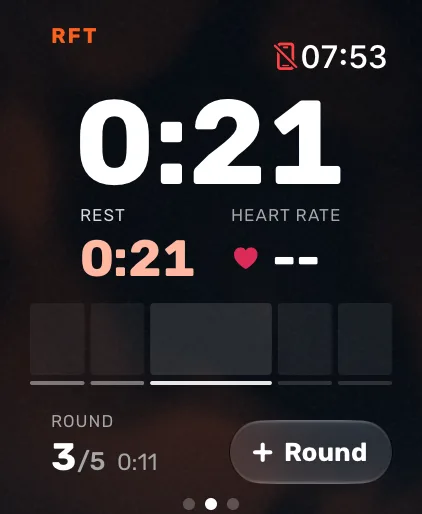
Atlon’s RFT (rounds for time) timer runs on your Apple Watch. Set the rounds and, if you want one, a time cap. Press play and the clock counts up, because your time is your score. Tap Round after each round, or double tap your fingers on supported watches. On the last round the button says Finish, and your time stops there. Atlon recognises the exercises and counts your reps the whole way.
What it does
- A clock that counts up, with an optional cap of up to 90 minutes. With a cap, the watch taps your wrist at 3, 2, 1.
- Your current round on the watch, and on your iPhone when you use it as a gym timer.
- Double tap round counting on supported watches, and Undo for a round counted early.
- Finish on the last round, so your time is exact.
- Each round’s time saved, with every set and rep.
A chipper (one long list, done once) works as RFT with 1 round, and Atlon still recognises each exercise.
Questions
- How do I do rounds for time (RFT)?
- How do I count rounds with double tap?
- How do I enter a complex WOD?
- Workout formats explained: EMOM, AMRAP, RFT and Tabata
Updated