
An AMRAP timer for Apple Watch that counts rounds and reps
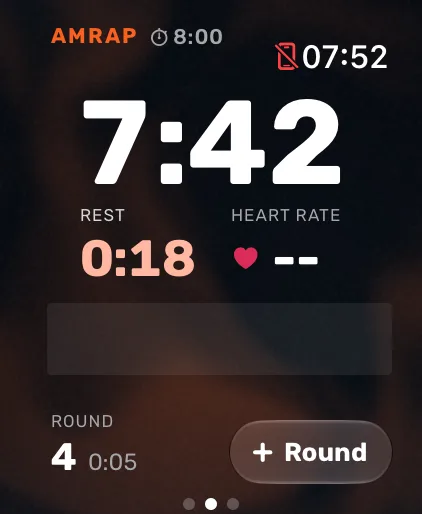
Atlon’s AMRAP timer runs on your Apple Watch. Set the time cap (1 to 90 minutes), press play, and the clock counts down while Atlon recognises your exercises and counts your reps. Tap Round as you finish each round, or double tap your fingers on supported watches. The workout ends by itself at the cap, and every round’s time is saved.
What it does
- Countdown to the cap, or counting up if you prefer.
- Wrist taps halfway, with 10 seconds left and at 3, 2, 1.
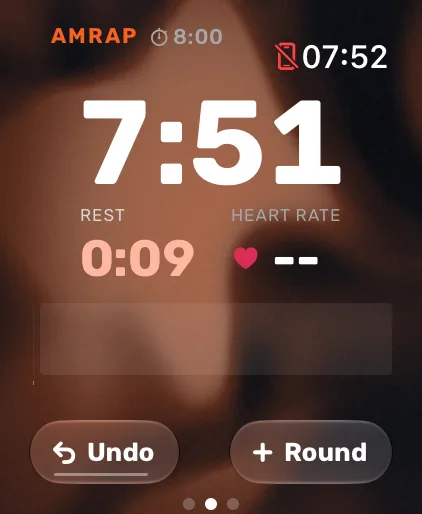
- Round counting with one tap, or a double tap on supported watches, so you don’t touch the screen with chalky hands. Counted one by mistake? Undo replaces the button for 4 seconds.
- Reps and exercises, recognised the whole way, so your score is backed by every set.
- Round splits saved with the workout, so you can see where you slowed down.
How athletes pace an AMRAP
Almost everyone slows down. In Atlon athletes’ AMRAPs, the median second round took 16% longer than the first and the fourth 29% longer. Your own round splits show you how much you slow down, and where. More in workout formats explained.
Questions
- How do I set up an AMRAP on Apple Watch?
- How do I count rounds with double tap?
- How do I do rounds for time (RFT)?
- Can I use my iPhone as a gym timer?
Updated